Go to the web terminal. You can access it from your personal account or via the following links:
WebTrader MT5
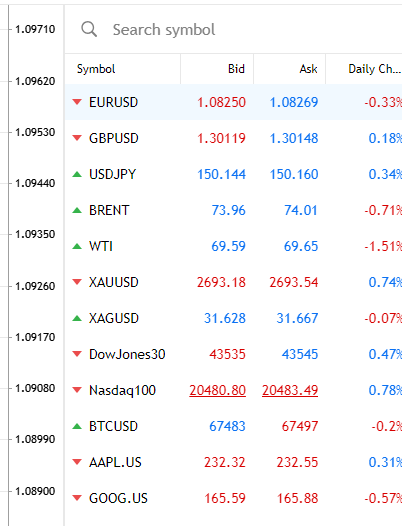
On the right side of the chart, use the search bar to enter the name of the required instrument.
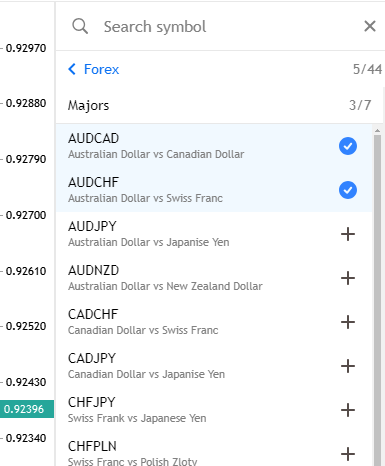
Click the + next to the desired instrument, it will be added to the list of instruments in the Market Watch panel.
WebTrader MT4
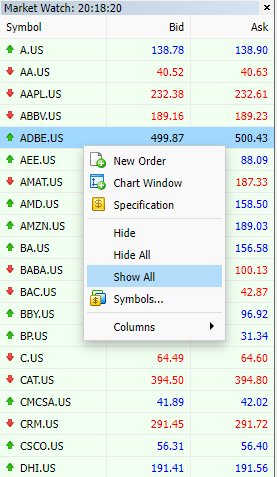
On the left side of the chart, in the Market Watch panel, right-click and select Show All.